
Solve Tuffpuff Casino Login Problems in Canada
Getting locked out of your account is annoying, especially when you know the problem is probably something small. If your Tuffpuff Casino login isn't working, start with the basics before changing passwords or creating anything new.
We give you several ways to restore access depending on whether the issue comes from your credentials, browser, connection or account status. In most cases, your existing Tuffpuff login can be recovered without registering another account.
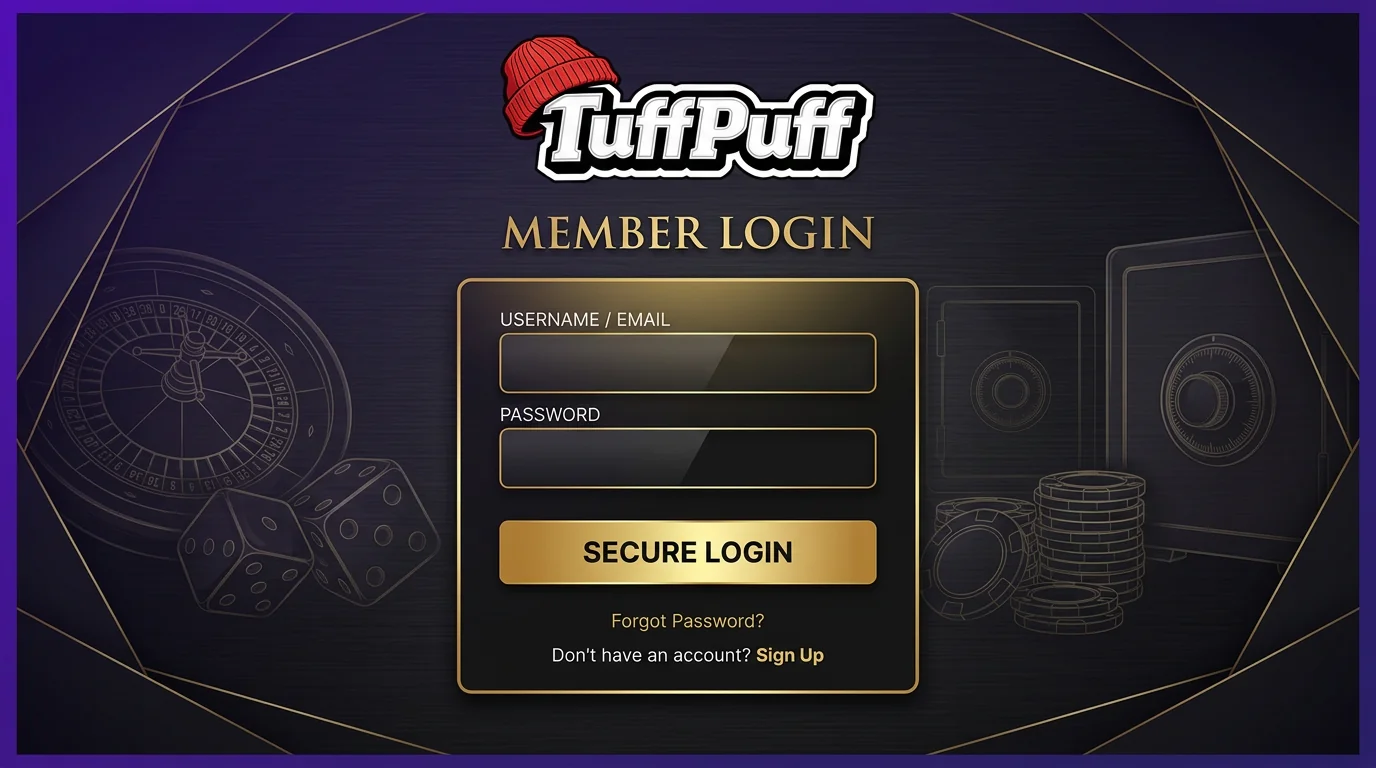
Why You May Be Unable to Log In to Tuffpuff
Let's dig into the most common causes first. A failed sign-in doesn't always mean something is wrong with your account, and repeating the same password ten times rarely improves its chances.
Wrong Login Credentials
Your account credentials need to match the details used when you originally registered. If the email address or password entered during casino Tuffpuff login contains a typo, the account won't open.
Check whether your browser has inserted an old saved password, especially if you've changed it recently. Copying credentials can also bring across an extra space, so typing the details manually is worth trying once.
Before using password recovery, check these points:
- Make sure you're entering the email linked to your account.
- Check uppercase and lowercase characters in your password.
- Disable autofill temporarily if it keeps inserting old credentials.
- Remove accidental spaces before or after your email.
- Confirm that you're using the regular Tuffpuff Casino login page rather than a registration form.
Here's the thing, creating a second account isn't a shortcut around incorrect credentials. If you've already registered with us, recovering that account is the correct route.
Temporary Account Restrictions
Sometimes your credentials are correct, but access can still be limited while an account matter is being reviewed. This may happen when verification is required or when we need additional information connected to account security.
If your Tuffpuff login details suddenly stop working after previously working normally, read any account message shown on screen before trying another password. Repeated attempts won't remove an account-level restriction.
| Situation | What you should do |
| Incorrect password | Use password recovery |
| Verification requested | Complete the requested check |
| Old saved credentials | Update browser autofill |
| Technical loading problem | Refresh browser data |
| Access still unavailable | Contact our support team |
We may ask you to verify personal or payment information when required. That protects your account and helps us make sure access is being restored to the right person.
Reset Your Tuffpuff Login Details
Now, password recovery is the right option when you no longer remember your credentials or your old password has stopped working. You shouldn't need a new account just because one piece of login information has gone missing.
Recovering a Forgotten Password
Open the Tuffpuff Casino login screen and use the password recovery option instead of guessing repeatedly. Follow the instructions connected to the email address registered on your account.
Once you've received the recovery instructions, choose a new password you haven't used for the account before. You can then return to casino Tuffpuff login and enter the updated details.
A sensible recovery routine looks like this:
- Open the official sign-in page.
- Select the password recovery option.
- Enter the email connected to your account.
- Follow the recovery instructions provided.
- Create a new password.
- Return to the sign-in page and try again.
Keep your new password private and avoid saving it on a shared device. We won't need you to send us your password to help with an access issue.
What to Do If Recovery Fails
Recovery can fail for simple reasons, such as entering a different email from the one connected to your account. Check the address carefully before sending another request.
If you still can't complete casino Tuffpuff login, contact our support team and explain what happens when you try to recover access. Include useful account details, but never send your password.
It also helps to check your email folders before requesting recovery multiple times. Automated account messages can occasionally be filtered away from the main inbox by your email provider.
Fix Technical Login Issues
Here's another possibility: your credentials may be completely fine. Browser data, an unstable connection or an outdated session can prevent the page from behaving normally even when the account itself has no problem.
Browser and Cookie Problems
Old cookies and cached files can sometimes conflict with a new session. If the Tuffpuff Casino login page keeps refreshing, fails to load correctly or doesn't respond after you submit your details, clearing stored browser data is a practical first step.
You can also try opening the site in a private browsing window. If casino Tuffpuff login works there, the issue is likely connected to information stored in your normal browser session.
Try these fixes one at a time:
- Refresh the page completely.
- Clear cached files and cookies for the site.
- Close unused casino tabs.
- Restart your browser.
- Try a current version of another mainstream browser.
- Disable browser extensions temporarily if they interfere with page functions.
Don't clear everything on your device unless you need to. Starting with site-specific data is usually quicker and saves you from signing back into unrelated services.
Mobile Connection Issues
Mobile access can be affected by the quality of your connection rather than your account details. If Tuffpuff login stalls while you're on mobile data, try reconnecting or moving to a more stable network before resetting anything.
Switching between Wi-Fi and mobile data can also interrupt an active session. Close the page, establish a stable connection and then reopen it instead of continuing from a half-loaded screen.
| Mobile issue | First fix to try |
| Page won't load | Check your connection |
| Login screen freezes | Reload the page |
| Session disconnects | Reconnect before signing in |
| Browser behaves oddly | Clear site data |
| Old password appears | Update saved credentials |
Big plus, you don't need a different account for mobile access. The same registered credentials are used when you return from a supported mobile browser.
Access Tuffpuff Casino Again
Once the underlying issue is fixed, getting back into your account should be straightforward. Use your existing account details rather than starting the registration process again.
Returning to the Login Page
Go back to the official Tuffpuff Casino login area and make sure the page has loaded normally before entering anything. If you've just cleared your browser data, you'll probably need to type your email and password again rather than relying on autofill.
You should also check that you haven't accidentally opened the registration page. Casino Tuffpuff login is for an existing account, while registration creates a new one.
Signing In After Password Recovery
After changing your password, use only the new one. Browsers and password managers can continue filling in the previous version, so update or remove the saved entry if necessary.
Once casino Tuffpuff login succeeds, avoid repeatedly opening fresh sessions across several tabs. Keeping one active session is simpler and reduces confusion if you're switching between different areas of your account.
If access still fails immediately after a successful reset, contact us rather than changing the password over and over. Our support team can help you identify whether the problem is technical or connected to the account itself.
Register a New Tuffpuff Account
Registration is for players who genuinely don't have an existing account. It shouldn't be used as a workaround when an old account becomes temporarily inaccessible.
When Registration Is Required
If you're completely new to us, the Tuffpuff signup process creates your player account and gives you the credentials you'll later use to sign in. Existing players should recover their original account instead.
Our Tuffpuff Casino register process requires you to enter accurate personal details. Using inconsistent information can create unnecessary problems later when account verification is required.
You'll generally need to keep a few basics ready:
- A valid email address that you can access.
- A password you'll remember and keep private.
- Accurate personal information.
- The required age eligibility for your location.
- Any verification details requested for your account.
One account is enough. If you aren't sure whether you've registered before, contact us instead of opening another profile.
Basic Signup Steps
The Tuffpuff signup route is designed to keep account creation straightforward. Enter the required details, complete the registration fields and make sure everything is correct before submitting the form.
After the Tuffpuff Casino register process is completed, those credentials become your regular sign-in details. Store them securely so you don't have to go through account recovery the next time you visit.
Here's the simplest order to follow:
- Open the registration page.
- Enter your current email address.
- Create a secure password.
- Fill in the required personal information.
- Review the details for mistakes.
- Complete registration.
- Use those credentials when you return.
Honestly, taking an extra few seconds to check your email and personal details at registration is worth it. Correct information makes both future access and any required verification much easier.